New hires should not be spending their first days running around gathering paper or trying to get their logins sorted out. However, in most businesses, new employee onboarding continues to be a chaotic combination of spreadsheets, manual email processes, and panicky Slack messages. Mistakes are bound to happen when all onboarding stages involve manual initiation. This is why employee onboarding automation is not just a luxury.
In fact, 57% of internal communication teams consider implementing artificial intelligence at work the most pressing issue until 2026. If you don’t want to be tied to the manual process, this guide is the perfect way to craft an automated employee onboarding strategy. We will teach you how to integrate an AI employee onboarding into your workflow process. We will help you make your process of bringing on new employees easier and work towards fully automating your HR tasks.
Why the First 90 Days Keep Breaking Down
New employee onboarding often doesn’t work well because it depends on one busy HR manager to handle everything. A typical employee onboarding workflow includes more than 50 tasks that need to be done by different areas like IT, payroll, rules, and training.
- The Single Point of Failure: When one person is crucial to the process, they can slow everything down.
- Logistical Fragility: If a request for a laptop isn’t made or a password is forgotten, the new employee has nothing to do on their first day.
- Retention Risk: Employees recruited through an uncoordinated and inconsistent new employee onboarding program are twice as likely to quit within 90 days.
- Inconsistency: Without HR automation, a new employee’s experience will be dependent on whether the HR manager is busy that week or not.
What Employee Onboarding Automation Actually Does
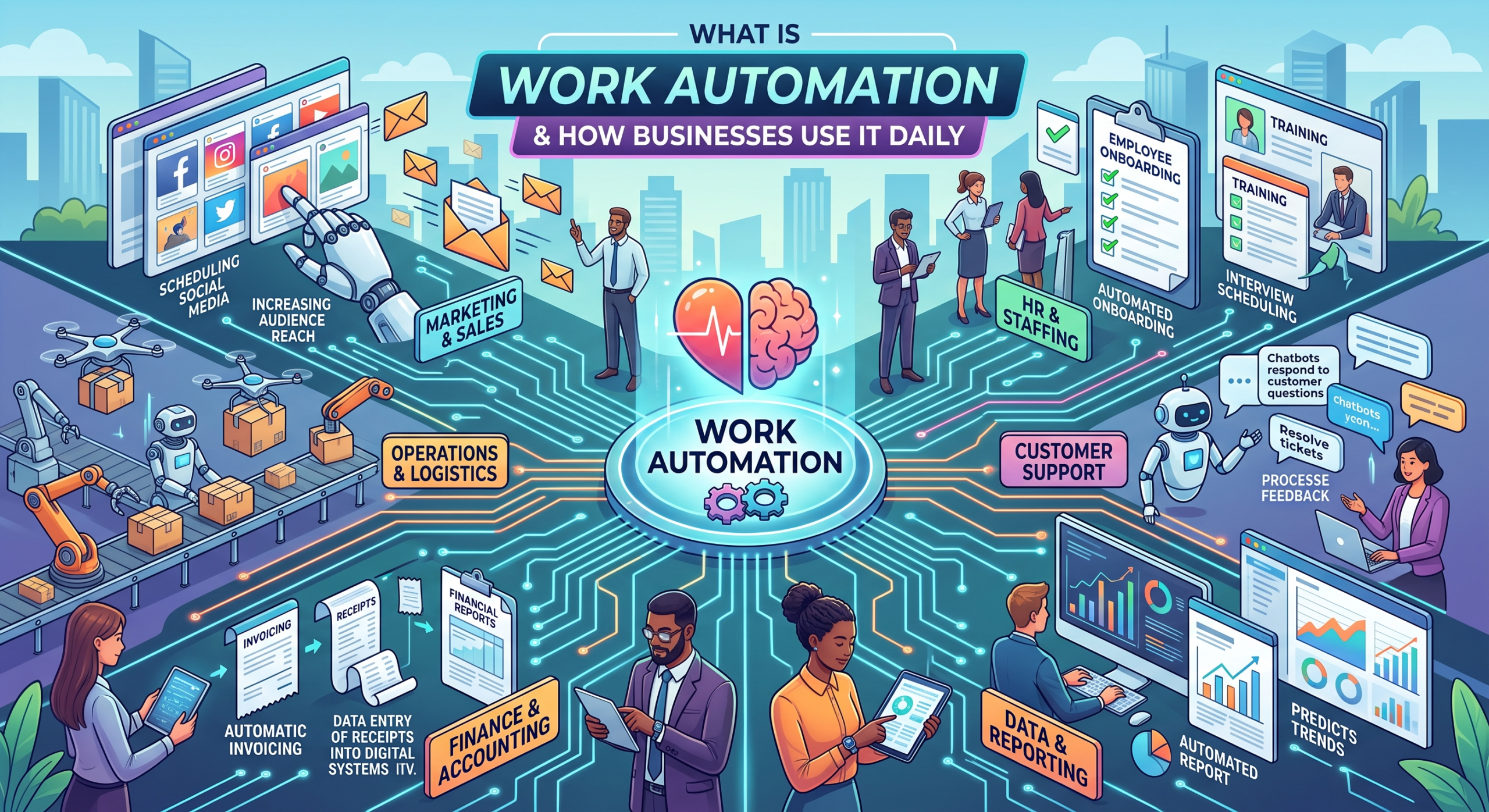
Employee onboarding automation utilizes software to initiate processes and monitor their progression without requiring constant monitoring from humans. It functions as a digital assistant that makes sure that not even one deadline goes past its mark. Check out our comprehensive guide on HR automation to learn how these systems streamline your people-ops strategy.
- Back-End Task Automation: Helps perform “behind the scenes” activities such as IT configuration, payroll setup, and access permissions when the offer letter is accepted.
- Communication Automation: The AI onboarding process delivers personalized welcome emails, training reminders, and manager follow-ups based on the specific job and department.
- Signal Monitoring: The AI onboarding process will monitor performance statistics and logins to notify HR when a newly hired employee is not keeping up or is not engaging with the program.
- Seamless Integration: Today’s onboarding automation software integrates easily into your current HRIS without requiring you to start from scratch.
Find out about the best tools in our guide to HR Automation Software for Modern Teams.
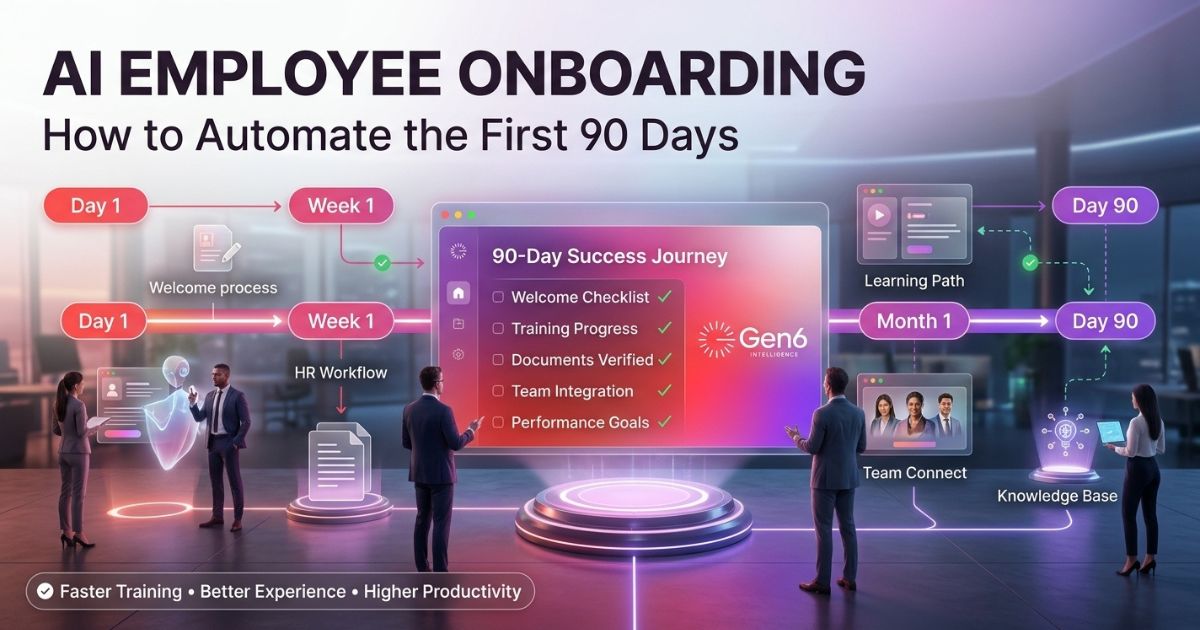
The 90-Day Automation Roadmap (Day by Day)
Automated employee onboarding begins well before they even set foot into the workplace, since everything has already been planned out before their arrival.
| Phase | Days | What Gets Automated |
| Pre-boarding | –7 to 0 | Welcome email, paperwork, IT setup, manager brief |
| Week 1 | 1–7 | Day-one schedule, tool access, buddy intro, compliance |
| Month 1 | 8–30 | Training reminders, 30-day check-in, manager nudge |
| Month 2 | 31–60 | Progress check, role clarity survey, feedback loop |
| Month 3 | 61–90 | 90-day performance prompt, retention signal analysis |
The 5 Tasks You Should Automate First
Focus on repetitive and high-volume tasks when it comes to HR automation.
- Pre-Boarding Emails: Send out these emails right after signing the offer letter. Make sure they have specifics about their job.
- IT Provisioning: Use onboarding automation software to automatically generate IT tickets. No more manual emails for laptops or email accounts.
- Compliance Collection: Automatically send policy papers and keep track of signatures. It tracks for you, so there is no need to seek individuals yourself.
- Targeted Training: Use specific modules through your automated employee onboarding process to ensure that employees do not get lost in unnecessary data.
- Manager Check-ins: Utilize the AI onboarding process to prompt managers to hold meetings after 30, 60, and 90 days with pre-defined agendas.
If you want to know how to make your work easier, we recommend taking a look at our list of the Best Workflow Automation Software for Businesses.
Where Human Connection Still Beats Automation
Automation is just a means, but not a substitute for leadership. It’s impossible to automate the empathy required for a challenging discussion or the subtleties involved in the first 1:1 discussion.
- The First 1:1: Managers must own the personal connection, not a chatbot.
- Culture and Expectations: Discussing job roles or company values needs a personal approach.
- Proactive Interventions: If a new hire seems upset or not interested, someone should help right away to find out why.
- Logistics vs. Relationships: By reducing the amount of paperwork, you have more time to connect with your new employee.
By removing administrative overhead via HR automation, managers gain the time needed to build actual relationships.
How to Pick the Right Onboarding Automation Software
You should ensure you have your requirements ready before choosing any onboarding automation software. Avoid tools that add complexity rather than removing it.
- Native Integration: It should integrate well with your existing HRIS and prevent you from performing manual data entries.
- Role-Based Personalization: This solution should be customized depending on the department, geographical location, or position of each employee.
- Clear Analytics: Visibility into where an employee onboarding workflow might be stalling.
- Clean Hand-offs: The software should know when to step back and notify a human.
Gen6 HR automation platform is built to handle these requirements, helping you connect your entire employee onboarding workflow seamlessly.
Real Results: What Changes When You Automate
Before automation, the typical employee onboarding workflow was disorganized and could easily lead to mistakes. With the implementation of employee onboarding automation, the process will become more predictable.
- Time-Saving: There is an 80% reduction in administrative burden within the HR department.
- Reduced Friction: Fewer tasks get missed, making the first week much easier for the new employee.
- Higher Confidence: New employees feel ready and accepted when their travel and arrangements are taken care of before they start.
- Intentional Interaction: With automated employee onboarding logistics, HR and managers can spend more quality time with new employees.
Learn How Recruitment Automation Works or Gen6 AI Recruiting Automation for more insights.
Conclusion
Automating the first 90 days creates an experience where the AI onboarding process is no longer chaotic but becomes an organized and warm process for employees. This allows your employees to concentrate on building company culture because they won’t have any friction involved in the new employee onboarding. Implementing this will make sure that all new hires are well prepared to start working.
FAQ
What is AI employee onboarding?
Using software to automate repetitive HR tasks and streamline new hire workflows.
How can AI improve employee onboarding?
It reduces manual errors, accelerates provisioning, and ensures consistent communication.
What can be automated during the first 90 days of onboarding?
Paperwork, IT setup, training schedules, and manager check-in reminders.
Is AI onboarding suitable for small businesses?
Yes, it helps small teams scale without needing massive administrative support.
What are the benefits of onboarding automation?
Higher retention, improved candidate experience, and massive time savings for HR.
Which HR processes can AI automate besides onboarding?
Payroll processing, recruitment screening, compliance tracking, and benefits administration.