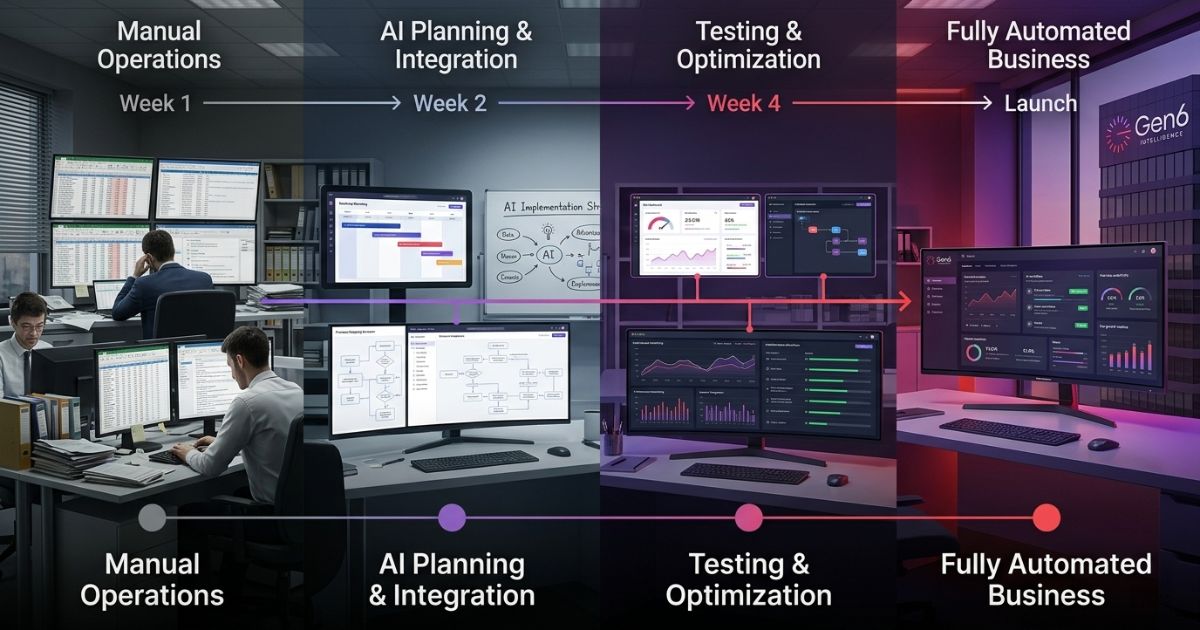
Operational efficiency becomes the magic key to whether a business will remain static or grow. Manual work acts as an invisible tax by sucking up valuable resources and limiting the organization’s potential. Companies find that workflow automation reduces operational costs as well as time for more important tasks by replacing manual labor with smarter technology.
Why Manual Processes Are Costing You More Than You Think
Doing manual work quietly eats away at your budget. When your team wastes their whole day on moving data from one system to another, they are not concentrating on the things that will make your business grow. Adopting business process automation can change this completely.
- Rework Costs: Incorrect entries made while entering data manually result in losses of around $1,800 per employee annually.
- Approval Delays: There are always 2-3 days spent on permission processing through email for each assignment.
- Opportunity Costs: There is an hour spent on strategy, customer care, or solving problems for every hour spent on administration.
- Hidden Friction: Using staff as human “bridges” between software creates bottlenecks that stifle your operational efficiency.
To learn more about how to stop this drain, check out our guide on AI Workflow Automation.
What Workflow Automation Actually Does
Business process automation is nothing more than creating a “trigger and action” rule. All you need to do is manage the event’s execution. It works with the software that you already have, including emails, Slack, and even CRM.
- The Trigger: There is an event. For example, a new lead fills out a contact form.
- The Action: The system updates your CRM by itself, tells your sales team, and sends a welcome email.
- The Result: Your team stays focused on closing the deal instead of performing manual data entry.
- The Benefit: One of the clearest workflow automation benefits is that your team stops being the middleman between software programs, which directly improves workflow efficiency.
You can explore our workflow management system to see how this fits into your current tech stack.
The Real Cost Breakdown: Manual vs. Automated
Automation cost savings isn’t just about reducing costs; it’s also about getting back time. These numbers show what a usual team of 15 people does to handle everyday administrative work.
| Task | Manual Cost/Month | Automated Cost/Month | Savings |
| Invoice processing | ~$400 | ~$40 | ~$360 |
| Lead follow-up | ~$600 | ~$30 | ~$570 |
| HR onboarding | ~$800 | ~$50 | ~$750 |
| Report generation | ~$300 | ~$20 | ~$280 |
| Total | ~$2,100 | ~$140 | ~$1,960 saved |
These are not enterprise-level figures; this is what a standard SMB saves. As you scale, the labor savings grow while your tool costs stay flat. This is how you begin to reduce operational costs starting on day one.
5 Areas Where Businesses Reduce Operational Costs Fast
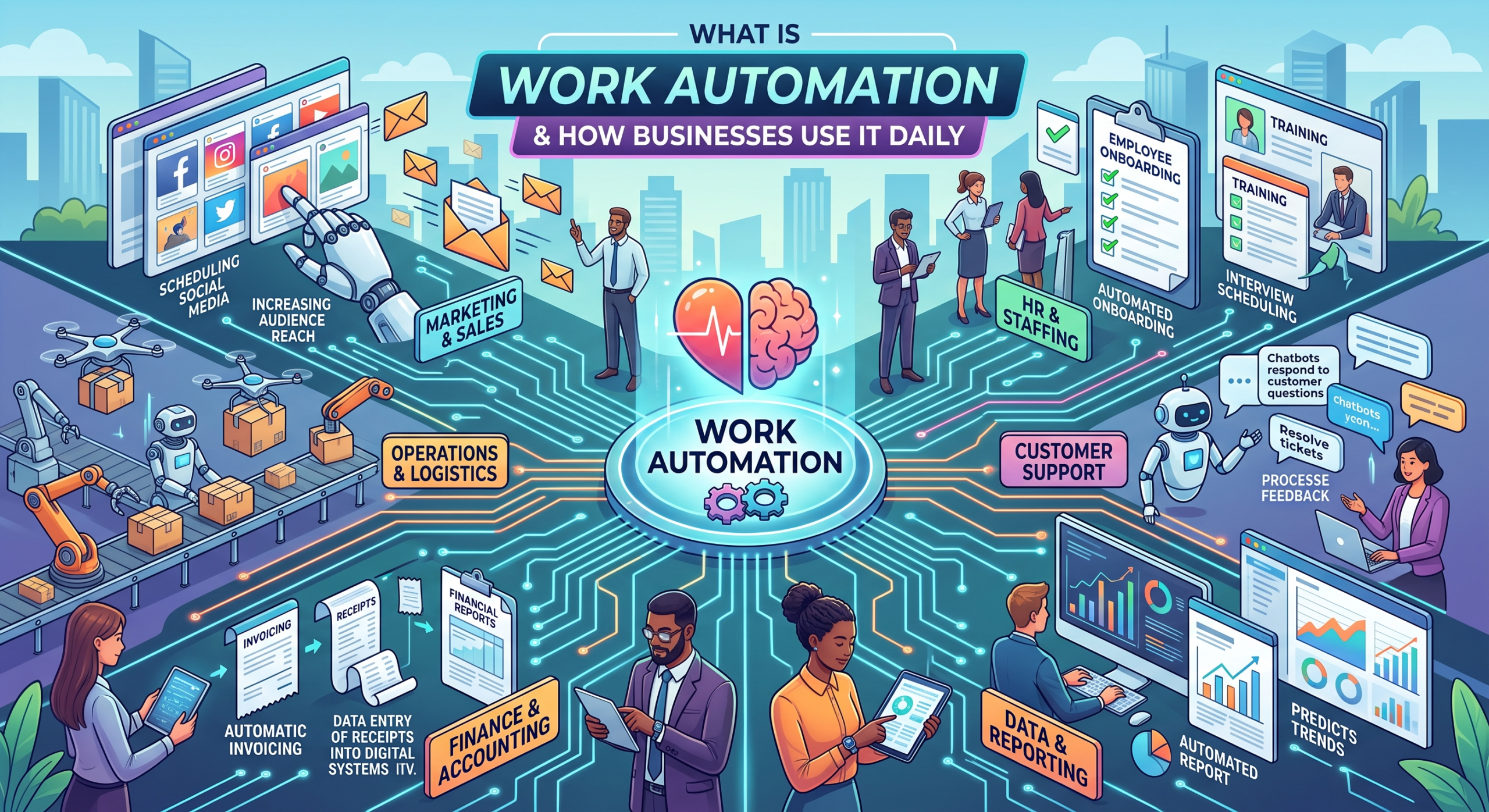
Using business process automation works best for tasks that happen a lot but don’t require much creativity. This improves your operational efficiency across certain departments.
1. Finance:
Set up automatic invoice handling and payment alerts to keep cash flow steady without needing to do it by hand.
2. HR:
Getting new employees started shouldn’t involve days of sending emails. Automate document collection and system access to improve your workflow efficiency.
3. Sales:
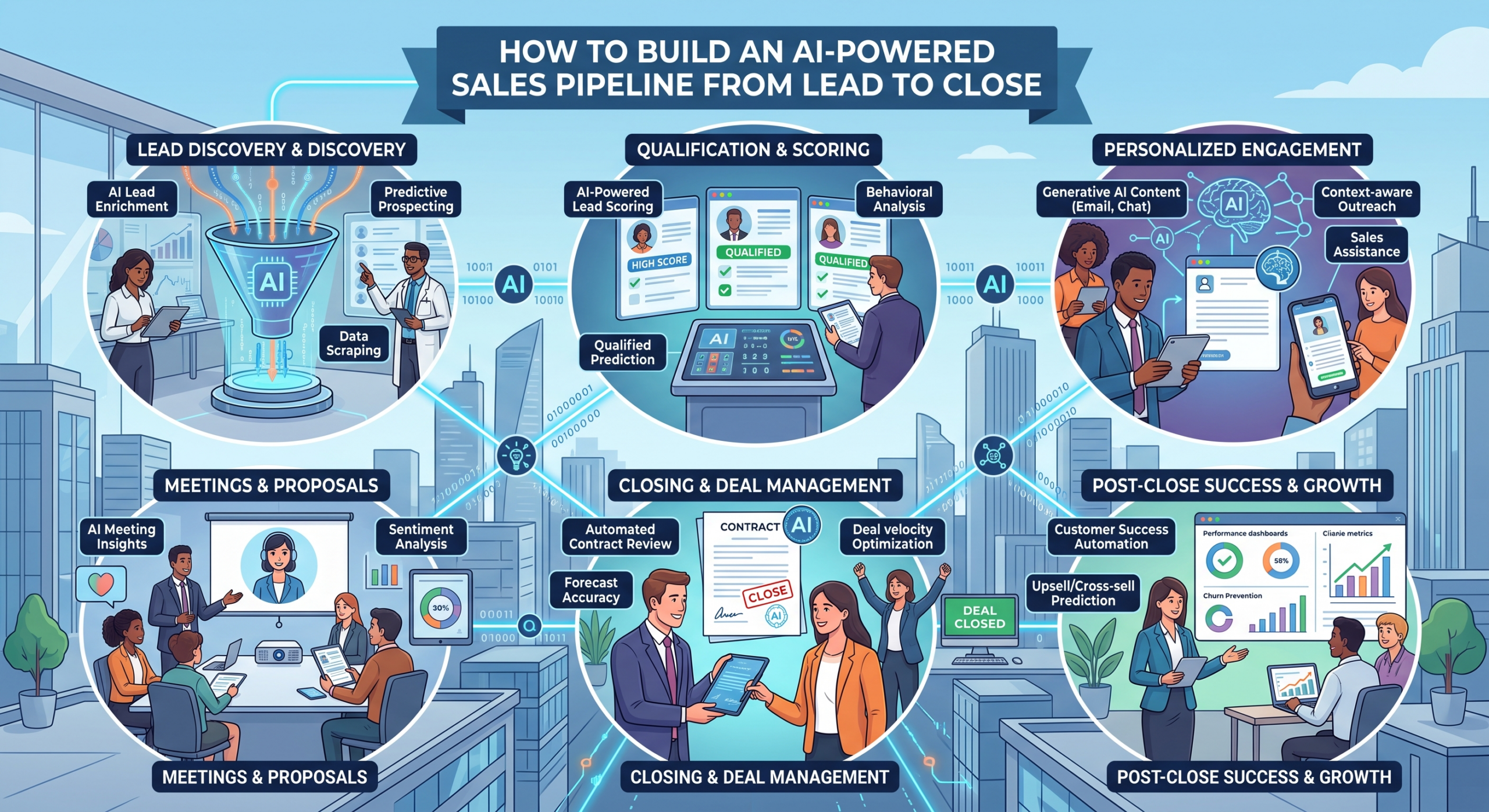
Don’t let your leads go cold. Create an automated process flow where your team gets involved only when there’s an actual need for human interaction, further driving automation cost savings.
4. Support:
Implement automation for routing tickets to the right person according to the topic, thus getting rid of manual filtering in the inbox.
5. Reporting:
Manually creating weekly reports can really waste your time. Get your data automatically and immediately.
Learn more about Business Process Automation Using AI to understand how these workflow automation benefits can grow throughout your company.
How Business Process Automation Pays for Itself
One of the greatest workflow automation benefits is the speed of return. Most companies achieve full ROI within 90 days.
- Time Recovery: With five employees saving three hours each week, we have saved 780 hours annually.
- Error Elimination: By automating the process, we eliminate human error resulting from exhaustion and boost automation cost savings.
- Team Capacity: Freed-up hours allow your team to pivot toward strategy and growth.
- Compounding Value: As you connect more workflows, your operational efficiency increases, further helping you reduce operational costs.
What to Automate First (If You’re Just Starting)
Do not try to overhaul everything at once. Start with the process that creates the most friction for your team to maximize automation cost savings.
- Search for Repetition: Identify the things that you or your staff do daily or weekly using business process automation.
- Follow the Rules: If a job has clear and strict rules, it’s a great candidate for workflow efficiency.
- Measure the Impact: Begin with one process, track the automation cost savings, and use those savings to pay for your next project.
Conclusion
Utilizing workflow automation benefits is not just a necessity anymore; it is an essential condition to survive. Through the elimination of the drawbacks resulting from manual work processes, you will get access to the resources required for innovation. Begin on a small scale, observe how it works to reduce operational costs, and improve efficiency with Gen6 Intelligence.
FAQs
How does workflow automation reduce costs?
It will remove manual input of data, reduce errors made by humans, and save thousands of labor hours annually.
What business processes should be automated first?
Automate those tasks that are repetitive in nature and take up your team’s time.
How much money can workflow automation save?
Most SMBs save thousands monthly by automating administrative tasks, depending on their specific process volume.
Is workflow automation expensive?
Today’s technology is scalable and costs much less than the manpower they substitute.
What industries benefit most from workflow automation?
Any industry that uses large amounts of data, including finance, HR, sales, support, and reporting.