Workflow Management System (WMS) is the technological foundation of an outstanding organization. Through automation, it guarantees the flawless performance of actions while eliminating any potential for error, as well as providing full transparency. For expanding organizations, utilizing WMS is the critical shift from using sheer determination to attaining reliable perfection.
What Is a Workflow Management System?
Think of it as an electronic guide for your team’s routine tasks, software that keeps a record of every piece of a job without relying on anyone’s memory or a stack of sticky notes.
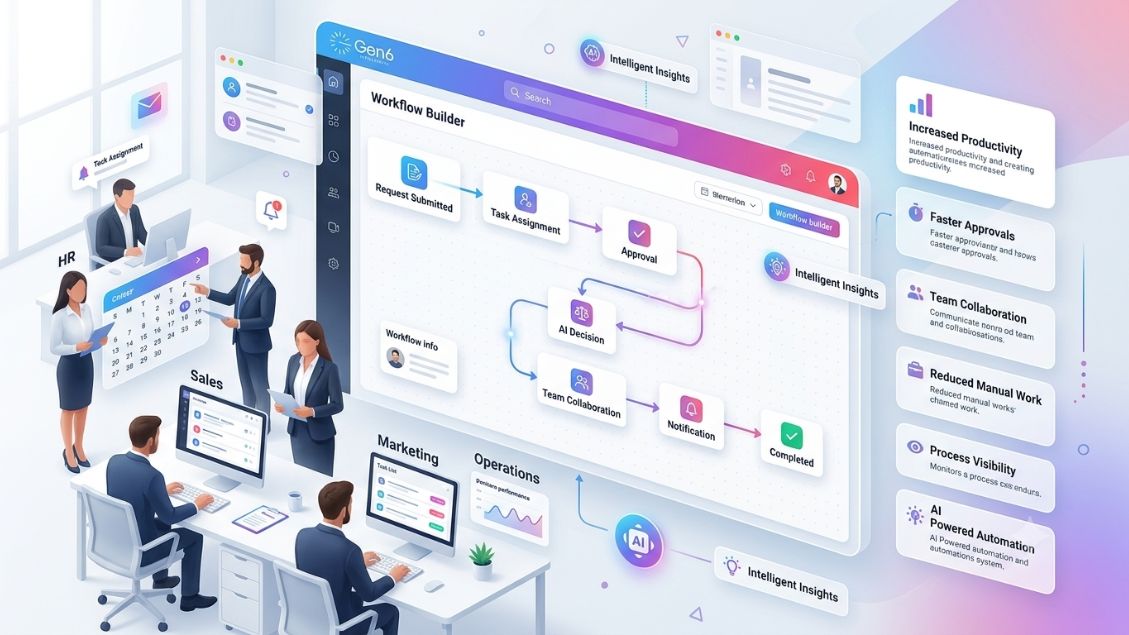
When you implement a business workflow system, the platform records, assigns, and monitors everything automatically. Here is how it adds value:
- Enforces Order: It makes sure tasks happen in the right order every time.
- Automates Handoffs: Tells the next person about task completion without looking for updates.
- Adds Accountability: With everything being documented, it’s easy to tell who is responsible.
- Standardizes Work: Makes sure that each task is completed in the same way regardless of who does it.
If you wonder “what is a workflow management system,” this is the very tool that helps make “how we work” a predictable and documentable process. You can find more details on how this looks in practice on our workflow management software.
How It Actually Works Day to Day
Setting up a workflow management process is simpler than most people think. It usually begins by sketching your current manual steps on a whiteboard to see where things break.
- Mapping the Steps: You discover what particular steps the process passes through to complete the task.
- Automatic Assignment: The system automatically recognizes when a step has been completed and assigns the task to the new owner.
- Approval Loops: There’s no need for emails anymore because the system will push an approval request to the correct manager.
- Tracking Progress: You are provided with the live status of your work and can eliminate the bottlenecks that could hold you back.
The two aren’t competing options; they work together. Most growing businesses use workflow tools as the practical mechanism that turns a BPM strategy into something that actually happens on the ground.
Workflow Management vs. Business Process Management (BPM)
It is common to confuse workflow management software with business process management (BPM). They are related, but they serve different purposes.
- BPM (The Strategy): This is the high-level view. It asks, “Is this the most efficient way to run our business?”
- Workflow Tools (The Execution): These focus on the daily grind. They ask, “Who performs this next step, and when?”
- The Connection: There’s no need to choose between the two.
Growing businesses tend to implement workflow management tools that translate their business process management (BPM) approach into practice.
Why Use a Workflow Management System: What Changes for Your Team
The real impact of adopting one of these systems usually shows up in how much time your team gets back once manual coordination stops eating into the day:
Consider these benefits when evaluating why to use a workflow management system:
- Eliminates Bottlenecks: The approval process automatically routes itself; there’s no need to wait around for anything.
- Improves Visibility: You no longer need to guess at progress; the business workflow system provides the answers.
- Syncs Data: Through CRM integration, your customer data stays current across all platforms without extra typing.
- Handles Repetition: Modern AI agents can now manage routine data entry, leaving the complex decisions to your people.
Understanding why to use a workflow management system is the first step toward reclaiming your team’s productivity.
Workflow System Examples You’ll Recognize
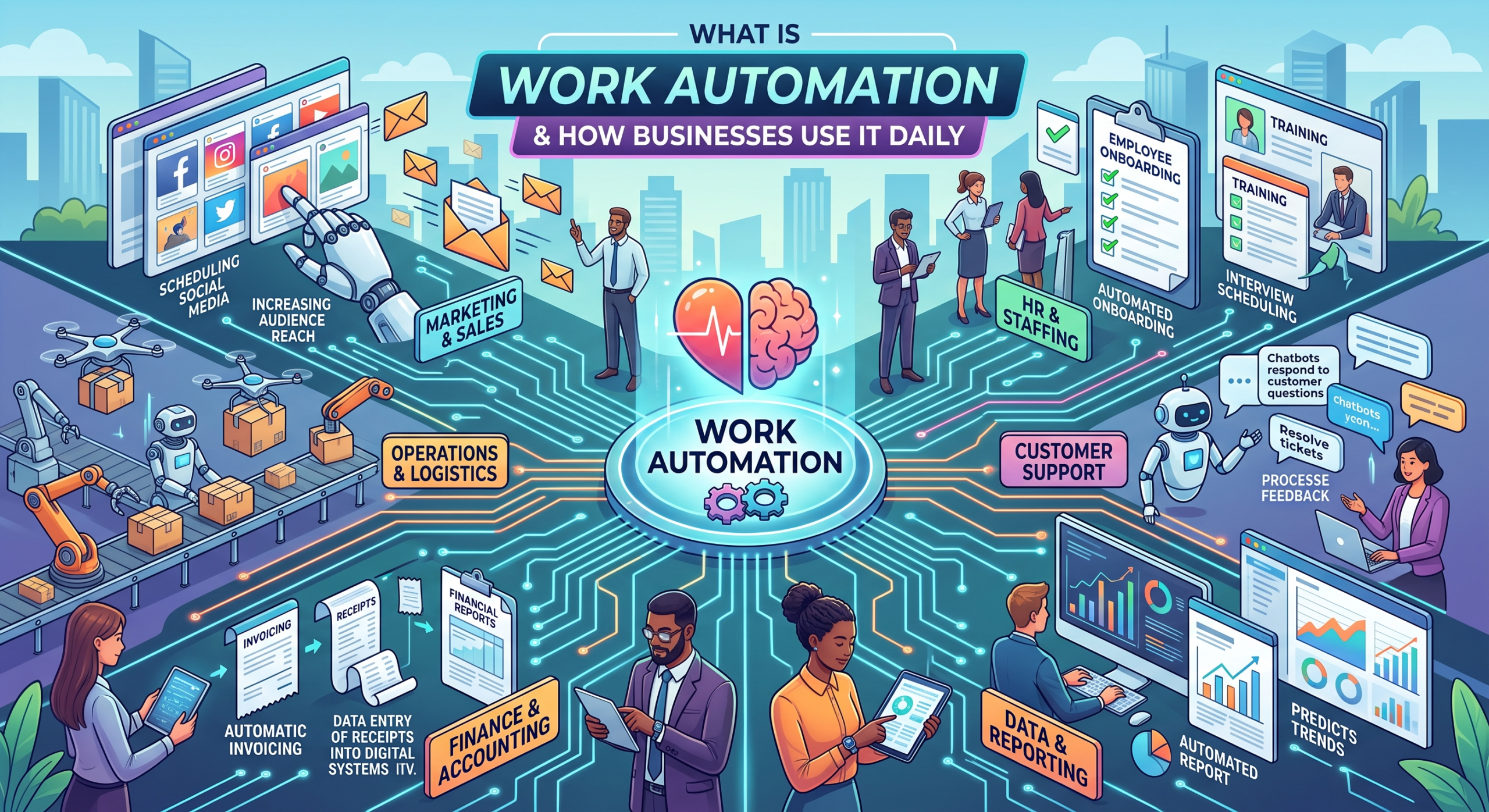
You don’t need an exotic setup to see the value here; most use cases involve standard, repetitive work that every company already has:
- Employee Onboarding: A single form sets off processes related to IT provisioning, HR work, and sending welcoming emails.
- Invoice Processing: Invoices are routed through the system according to their value, so that the proper person can approve them before payment from finance.
- Content Reviews: It involves a draft going through the writer, legal, and editor automatically.
These workflow system examples prove that you don’t need a massive tech overhaul to see results. You just need to stop the process from depending on anyone’s memory.
What to Look for in a Workflow Management Tool
If you are searching for workflow management tools, focus on practicality. A business workflow system must work for you, not against you.
- Flexibility: Are you able to change the process yourself without help from IT?
- Integration: Will it integrate well with your existing technology, such as your CRM integration?
- Visibility: Does it show you exactly where a workflow is getting stuck?
- Deployment Speed: Can you implement the workflow management tools in weeks, not months?
Keep away from anything that will feel like a second job to you. If you would like to know what a working system looks like, visit Gen6.
Conclusion
Workflow management software provides a means of translating chaos into effectiveness. Through automation, you will be able to remove any form of inefficiency and enable your team to undertake more valuable work without getting involved in manual activities. Go ahead, start with simple things and automate your process.